Last Updated: June 2026 | Reading time: 7 minutes
Your Alexa keeps disconnecting from Wi-Fi. You ask it something, it hesitates, then delivers the “having trouble connecting to the internet” response. You restart the router. It works for a day. Then it disconnects again.
There’s almost always a specific cause, and most of them are fixable in under fifteen minutes. I’ve tested a dozen Echo devices across different home setups here at aihometech.io, and Wi-Fi disconnection issues come up more than almost anything else. Here’s what’s actually going on and exactly what to do about it.
Why Alexa Keeps Disconnecting from Wi-Fi
Echo devices use 2.4GHz and 5GHz Wi-Fi depending on the model. Most Echo Dots through the 4th generation are 2.4GHz only. That band has decent range through walls, but it’s shared with microwaves, baby monitors, Bluetooth speakers, and every neighbor’s router within 150 feet. In apartment buildings, 2.4GHz congestion is severe.
The most common causes of Alexa disconnecting from Wi-Fi break down into four categories: weak signal strength, channel congestion, IP address conflicts, and outdated firmware. There’s a fifth cause that most guides skip: Amazon’s own servers going down. That one isn’t your fault and no amount of router rebooting fixes it.
The Fixes, in Order of Likelihood
1. Check Signal Strength First
Weak signal is behind roughly 40% of Wi-Fi disconnection cases. Your Echo should sit within 25-30 feet of the router with no more than one or two walls between them. Concrete walls, brick, and large metal appliances hit 2.4GHz signal hard.
Move the Echo closer to the router for 24 hours and see if the disconnections stop. If they do, the fix is either repositioning the Echo permanently or adding a mesh Wi-Fi node nearby. TP-Link Deco and Amazon Eero units run $30-45 for a single node and eliminate dead zones in most home layouts.
2. Do a Real Restart, Not Just a Plug Cycle
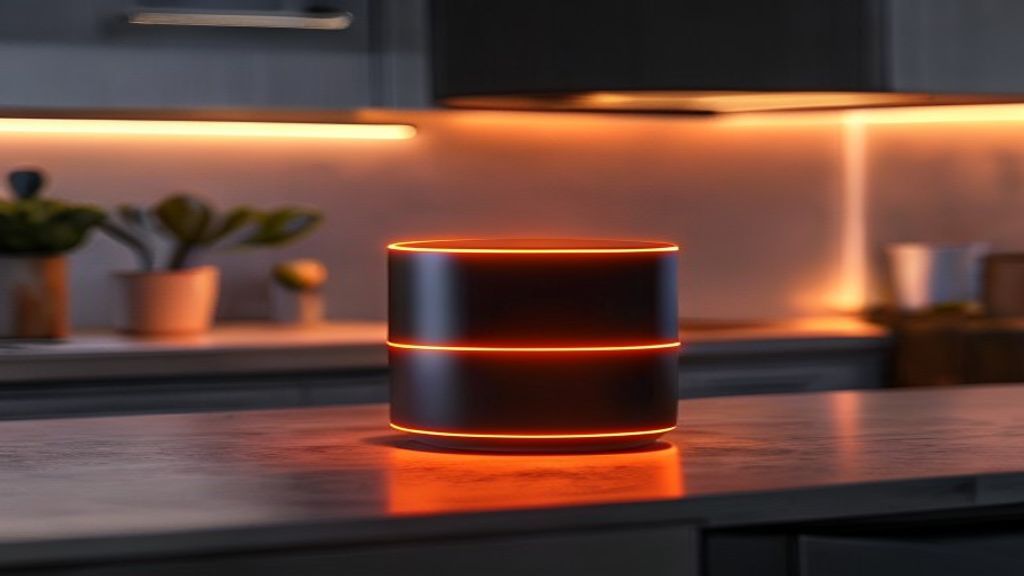
Unplugging and replugging the Echo doesn’t reset the Wi-Fi module. To do that properly, hold the action button for 25 seconds until the ring turns orange, then white. That sequence resets the connection state in a way a simple power cycle doesn’t accomplish.
Don’t factory reset unless you’ve exhausted other options. Factory reset wipes your routines, smart home device connections, and group settings — which can take an hour to rebuild.
3. Switch to a Less Congested Wi-Fi Channel
On 2.4GHz, only channels 1, 6, and 11 are non-overlapping. Most routers default to “auto,” which often lands on a channel crowded with nearby networks. Log into your router admin panel (usually 192.168.1.1 or 192.168.0.1) and set the channel manually. In dense urban areas, try channel 1 or 11 first.
Wi-Fi Analyzer on Android shows which channels are most congested in your area in real time. It’s free and takes about two minutes. On iOS, Network Analyzer does the same thing.
4. Assign Your Echo a Static IP Address
IP address conflicts happen when two devices on your network get assigned the same address. It’s not the most common cause of Alexa disconnecting from Wi-Fi, but it’s easy to rule out permanently. Find your Echo’s MAC address in the Alexa app under Device Settings > About. Then log into your router, create a DHCP reservation for that MAC, and assign it an IP like 192.168.1.200 — well outside the typical dynamic range.
5. Let the Firmware Update
Say “Alexa, check for software updates.” Echo devices update automatically but only when idle. If she confirms an update is downloading, leave it unused and plugged in for an hour. Pre-2024 firmware builds on 3rd and 4th gen Echo hardware had documented Wi-Fi stability bugs that were corrected in later releases.
Common Mistakes That Don’t Help
A few troubleshooting approaches people try that make things worse or don’t help at all:
Switching networks without re-pairing. If your Echo previously connected to a network with the same SSID, it may try to reconnect using cached credentials. Open the Alexa app, go to Device Settings > Change Wi-Fi, and set it up fresh.
Placing the Echo directly on top of the router. Being too close to a powerful router causes interference. Two to five feet of separation is ideal. Right on top of it isn’t.
Using band steering with an incompatible Echo. If your router gives both Wi-Fi bands the same name, older Echo Dots may attempt 5GHz and fail repeatedly. Give the bands separate names so the Echo can lock onto 2.4GHz cleanly.
When the Problem Is Amazon’s Servers
Amazon’s Alexa backend goes down several times per year. When it does, every Echo disconnects simultaneously regardless of your router’s performance. You’ll see a solid orange ring or spinning orange ring. Before spending an hour troubleshooting, check Downdetector’s Alexa page. If reports are spiking, wait it out.
Ring color cheat sheet: blue means it’s processing your request, red means the microphone is muted, orange means it can’t reach Amazon’s servers. If your other devices are online and Alexa shows orange, the issue is between Amazon and your Echo — not between your Echo and your router.
Frequently Asked Questions
Does Alexa work on 5GHz Wi-Fi?
Some models do. The Echo (4th gen), Echo Show 10, and Echo Studio support both 2.4GHz and 5GHz. Most Echo Dots through the 4th generation are 2.4GHz only. Check Amazon’s spec listing for your model if you’re not sure.
Will a Wi-Fi 6 router stop the disconnections?
Not on its own. Wi-Fi 6 routers are backward compatible and your Echo will work fine on one. But if the root cause is signal coverage or channel congestion, a newer router only helps if you’re also improving placement. It’s not a magic fix.
How often should my Echo disconnect?
Occasionally, during ISP outages or Amazon maintenance. If Alexa keeps disconnecting from Wi-Fi more than once a week, there’s a specific cause worth finding. Daily disconnections aren’t acceptable and shouldn’t be treated as normal behavior.
If you’ve worked through every fix above and the problem continues after a week, the Echo’s Wi-Fi hardware may be failing. Devices older than four years have higher failure rates for this component. Our smart assistants hub breaks down every current Echo model with pricing and recommendations by use case. Read the About page to understand how we evaluate and test devices before recommending them.